Best AI culling tools for wedding photographers
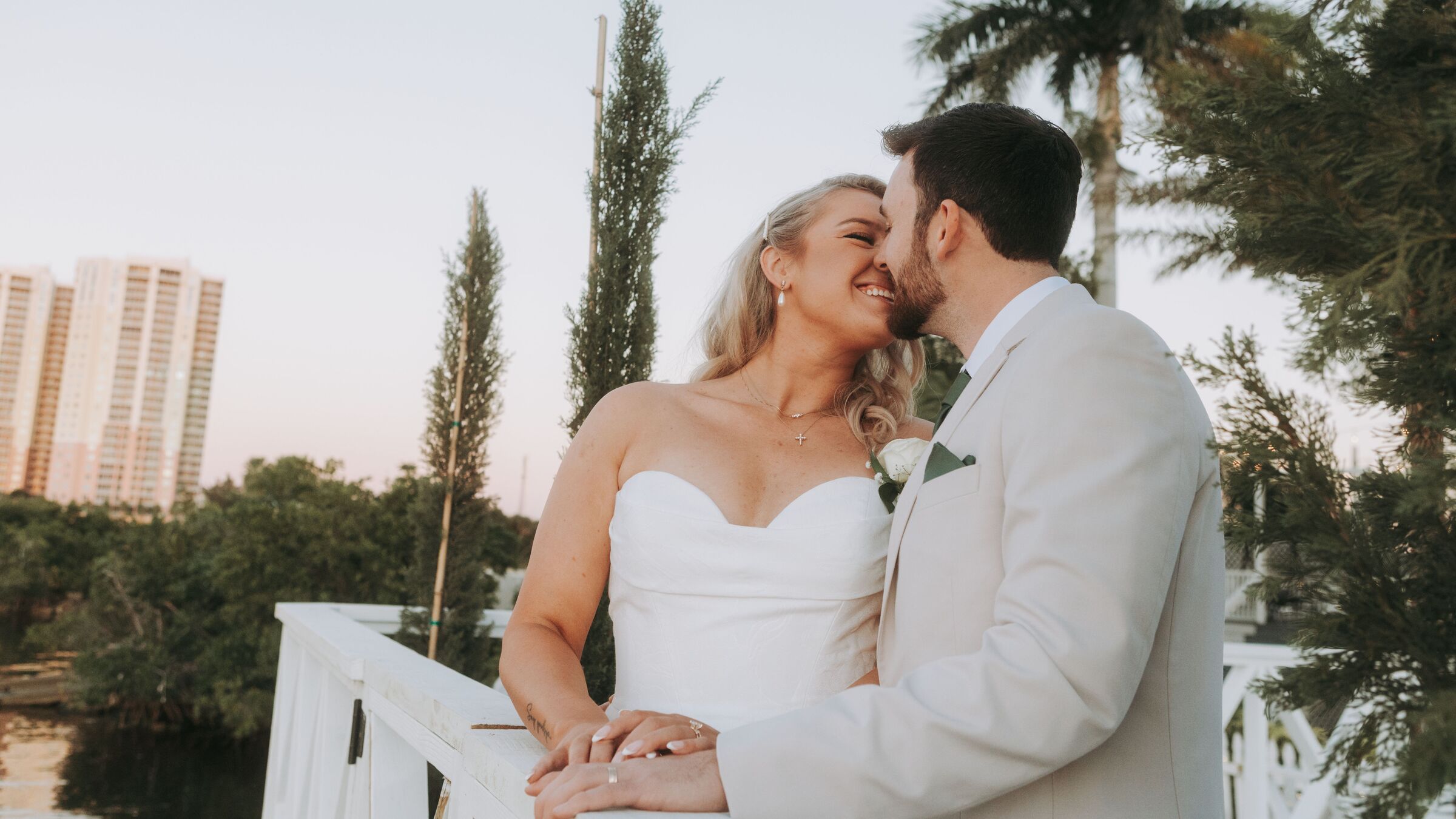
A wedding is not just a big shoot, it is a different shoot. Thousands of frames from one day that cannot be repeated, family formals where somebody always blinks, a dark reception, and a delivery date written into a contract. This is which AI culling tools hold up under that, with every price checked against the vendor's own page this month.
Why weddings break tools that demo beautifully
Most culling software is shown off on a tidy portrait session: sixty frames, one face, good light. A wedding is the opposite on every axis. Typical full day coverage produces 2,000 to 4,000 RAW frames, and a typical gallery delivers 400 to 800. The tool is not shaving ten minutes off a small job. It stands between you and most of a working day, per wedding, all season.
The time data says the same thing. A UK survey of more than 300 wedding photographers, run in 2020 before AI culling went mainstream, found photographers spent 4% of their working time shooting, 55% editing, 18% on admin and 11% culling. Culling took nearly three times as much of the week as being at weddings. It also sits directly in front of editing, so every evening the first pass slips, the gallery slips with it, and your promised delivery date absorbs the damage.
The stakes are different too. A soft frame from a branding session can be reshot next Tuesday. The first kiss cannot. So the useful question is not which tool scores highest in general. It is which one behaves sensibly in the five specific situations a wedding day produces.
The five things a wedding day actually asks for
1. Burst grouping that understands a moment
The aisle walk, the confetti, the bouquet toss. You shot fourteen frames of one two second event and eleven of them are technically fine. A tool that ranks images one at a time will hand you all eleven. What you need is clustering: the frames from that moment shown together, so you make one decision about the moment instead of eleven about pixels. This is the biggest speed lever at wedding volume, and where tools differ most.
2. Group shots where somebody always blinks
Family formals are the hardest frames of the day for a machine. Twelve faces, and the frame works only if all twelve do. A tool that produces one quality score for the whole image is close to useless here, because the score cannot tell you which aunt has her eyes shut. Per face eye detection matters, and so does being shown the faces at a size where you can actually check. We go deeper on this in our guide to culling group photos with eyes open.
3. Low light without false alarms
Receptions are dark, high ISO, and full of deliberate motion. Grain is not blur. A dance floor frame with a smeared arm and a sharp face is often the keeper of the night. Any tool that treats sharpness as a single pass or fail will quietly set aside your most alive images, so on your trial week the reception is the folder you should test first, not the portraits.
4. Two cameras, and usually a second shooter
Wedding files arrive from two bodies, sometimes four, with different white balance and different clocks. Duplicate detection that works on one card can fall apart on a merged timeline, and a second shooter's angle on the same moment is not a duplicate, it is coverage. Decide the standard before you import, which is what our piece on culling second shooter photos is about.
5. A deadline, and a season
Wedding photographers work against a contract, in a season where twenty weddings can land in fifteen weeks. That makes throughput and billing model part of the tool choice, not an afterthought.
Nothing here requires anything to be thrown away
Every tool here works by marking frames, with flags, ratings or color labels, not by emptying your folder. What happens later to the frames you did not pick is a storage decision, made calmly, with backups in place.
The tools that hold up, one by one
Aftershoot Select
The one most wedding photographers try first, and a fair default. It is a desktop app that analyses every frame on your own machine, then hands back a proposed selection with the failures grouped: closed eyes, missed focus, blur, and duplicate frames clustered from a burst. That clustering is what makes it work at wedding volume, and unlimited image processing on every plan means your August costs no more than your February. If you want the machine to make a first call that you sign off on, start here. Our full Aftershoot Select review covers the limits as well.
Narrative Select
Built on a different philosophy: it shows you evidence fast rather than deciding for you. Scenes View groups similar frames, and the Close-Ups panel puts faces and focus points at a size where you can actually judge eye state, which is exactly what family formals need. It ships selections out to Lightroom Classic, Photoshop and Capture One. It asks more of you than Aftershoot does, and photographers who dislike handing over judgment prefer it for exactly that reason. See our Narrative Select review.
Imagen culling
Imagen is an editing company first, and culling is a paid add-on to an editing plan. It runs in the cloud, so your files upload before anything happens. Its own page says it detects blur, closed eyes with an exception it calls kiss recognition, and uses face recognition to group subjects and duplicates. If Imagen already edits your weddings, adding culling is the cheapest move in this article. If it does not, uploading several thousand RAW files per wedding before you can start is a real cost in time and bandwidth.
FilterPixel
A desktop app for Windows and Mac aimed at high volume shooters, and the one to price carefully rather than take on trust. See the pricing section below.
Photo Mechanic
The outlier, and it belongs here. Photo Mechanic makes no decisions at all. It is an ingest and browsing tool famous for showing full size previews faster than anything else, which is why press and sports photographers have used it for twenty years. It makes you faster instead of picking for you. If your objection to AI culling is that you do not want a machine's opinion, this is the honest answer, not a compromise.
What they cost, checked against their own pages
| Tool | Annual billing | Monthly billing | Volume terms | Where it runs |
|---|---|---|---|---|
| Aftershoot Select | $10 per month ($120 a year) | $15 per month | Unlimited images | Desktop, local |
| Narrative Select Lite | $10 per month | $15 per month | Unlimited projects and images | Desktop, local first |
| Narrative Select Standard | $20 per month | $29 per month | Unlimited projects and images | Desktop, local first |
| Imagen culling add-on | $12 per month | $18 per month | Unlimited culling, requires an editing plan | Cloud, upload first |
| FilterPixel | $360 a year on its pricing page | Not shown on that page | See the note below | Desktop, Windows and Mac |
| Photo Mechanic | $149 a year, or $299 perpetual | $14.99 per month | No AI selection at all | Desktop |
Prices checked August 2026 from each vendor's own pricing page.
Sources, so you can check them yourself: Aftershoot's published tiers, Narrative's pricing page, Imagen's culling page, FilterPixel's pricing page and Camera Bits. On trials: Aftershoot offers 30 days with no card, Narrative a full trial of its top tier with no card, Imagen two free culling projects, and Photo Mechanic 30 days, one per customer.
A straight warning about FilterPixel's numbers
FilterPixel's own pages do not agree with each other. On the day we checked, its pricing page showed a single plan at $360 a year with a 14 day free trial and the first 10,000 photos free, while its home page was advertising four free projects with unlimited photos and no card required. We have also seen a third set of monthly figures published elsewhere on the same site. We report only what was visible on the page we fetched, and we will say plainly that FilterPixel's pricing moves, so read the checkout screen on the day you buy rather than any article, including this one. The same caution applies to the accuracy comparisons FilterPixel publishes about rival tools: that is marketing about its own competitors, not an independent test, and we do not repeat those figures.
The pricing question that only bites in season
Wedding work is not evenly spread, and the billing model you pick in January is the one you live with in September. Two shapes sit on the table above, and they behave very differently once volume arrives.
Flat monthly, unlimited images. Aftershoot and Narrative both work this way on every plan. Twenty five weddings at three thousand frames is seventy five thousand frames, and under flat pricing that number never appears on an invoice. Aftershoot also lets you pause a subscription for up to three months a year, which is the closest thing in this market to an off season plan.
Per photo, or attached to per photo. Imagen's culling add-on is flat, but it rides on an editing plan whose pay as you go structure charges per edited photo. Fine if editing is already your bill. Worth modelling properly if it is not.
Then put the whole thing in proportion. The Knot's 2025 study of 10,474 US couples puts the average wedding photographer at $3,000, with quartiles of $1,500, $2,800 and $4,700. A year of Aftershoot Select on the annual plan is $120, which is around 4% of one average booking. Tool price is almost never the deciding factor here, and the real money is usually somewhere else in the stack entirely. If you want to see that laid out, our cost calculator adds up what the whole set of subscriptions costs you in a year.
Who should pick what
| If this is you | Start with | Why |
|---|---|---|
| High volume, want a shortlist handed to you | Aftershoot Select | Burst clustering, unlimited images, local processing, pause in the off season |
| Formals and expression matter most, you want to judge | Narrative Select | Scenes View and Close-Ups put the evidence in front of you at a usable size |
| Imagen already edits your weddings | Imagen's culling add-on | Flat fee, files are already going up there anyway |
| Client files cannot leave your machine | Aftershoot, Narrative or Photo Mechanic | All three process locally, no upload required |
| You do not want a machine's opinion at all | Photo Mechanic | Fastest browsing in the business, zero automated judgment |
| Budget is genuinely zero this month | Trials, then Lightroom | Two full trials plus free tiers will get you through one season, honestly assessed |
One note on testing: do not evaluate any of these on your best wedding. Run the trial on a shoot you have already delivered, so you know the right answer, and compare its picks to yours. The method is in how to test AI culling accuracy, and the wider field, beyond the wedding subset, is in our 2026 culling software table.
Where Kepla fits, and what it does not do yet
This is our site, so here is the straight version. Every tool above is a computer program: Aftershoot and Narrative are desktop apps, Imagen wants your files uploaded first. All of them assume you get home, sit at a desk, and wait for a wedding to load before the work can start.
Kepla starts the first pass somewhere else. It is being built native for iPhone, iPad and Mac, so the shortlist can happen in the back of the car on the way home, then open on the Mac later for the frames that genuinely need two near identical files side by side at full size. One shoot, both screens, nothing done twice.
Two honest caveats. First, the picking app is still being built. It has not shipped, and nothing above should be read as a claim that it has. Founding members get it the day it does. Second, and this is the part we will not compromise on: Kepla clears the obvious misses and marks each one with a reason. It never deletes, moves or renames a file. Everything it did not pick stays exactly where you put it, one tap away.
What does work today is the other half of the job. Kepla's booking page is live and free while we build: a page you send a couple, that holds a date and takes a deposit. None of the culling tools in this article do that, and for a wedding photographer that gap is often the more expensive one.
FAQ
What is the best AI culling tool for wedding photographers?
There is no single winner, but there is a fast rule. If you want the software to propose a shortlist and you will approve it, start with Aftershoot Select. If you would rather be shown the evidence and decide yourself, start with Narrative Select. If Imagen already edits your weddings, its culling add-on is the cheapest move. Test whichever you pick on a wedding you have already delivered.
How much does AI culling cost for a wedding photographer?
Around $10 to $20 a month for the main options on annual billing. Aftershoot Select is $10 a month billed annually or $15 monthly. Narrative Select runs from $10 a month on Lite to $60 on Ultra. Imagen's culling add-on is $12 a month annually or $18 monthly. All prices were checked against each vendor's own pricing page in August 2026.
Can AI culling handle family formals where someone blinks?
Partly, and this is the weakest spot in the whole category. Detecting closed eyes on one face is reliable. Judging a twelve person group where the frame only works if everyone works is much harder, because a single quality score for the image cannot tell you which person failed. Look for per face detection and a view that shows faces large enough for you to check quickly yourself.
Does AI culling software delete the photos it does not pick?
Mainstream culling tools mark rather than destroy. They apply flags, ratings or color labels, and some can move unpicked frames into a separate folder if you ask them to. Read the export settings before your first real job so you know exactly what happens. Kepla is stricter than the norm here: it only marks its picks, and never deletes, moves or renames a file.
Is cloud culling safe for client wedding photos?
It is a business decision more than a technical one. Cloud tools such as Imagen require you to upload the shoot before work begins, which means bandwidth time on every wedding and a third party holding client images. Check what your contract and your local privacy rules say. If either makes you uneasy, Aftershoot, Narrative and Photo Mechanic all process on your own machine instead.
How long does it take to cull a wedding with AI?
Long enough that you should measure it yourself rather than trust a headline. The machine pass is rarely the slow part, and it depends heavily on your processor and drive speed. Your review of the proposed shortlist is what takes real time, and that shrinks as you learn to trust the tool. Time one wedding manually, then time the same folder with software, and use your own numbers.
Never sort photos at 1 AM again.
Kepla for Mac clears the obvious misses from a card, names the reason on every frame it sets aside, and leaves the choosing to you. Nothing is ever deleted, moved or renamed. Free through the private preview · the first hundred photographers keep it at $99 a year.