The hybrid wedding workflow: three media, one system
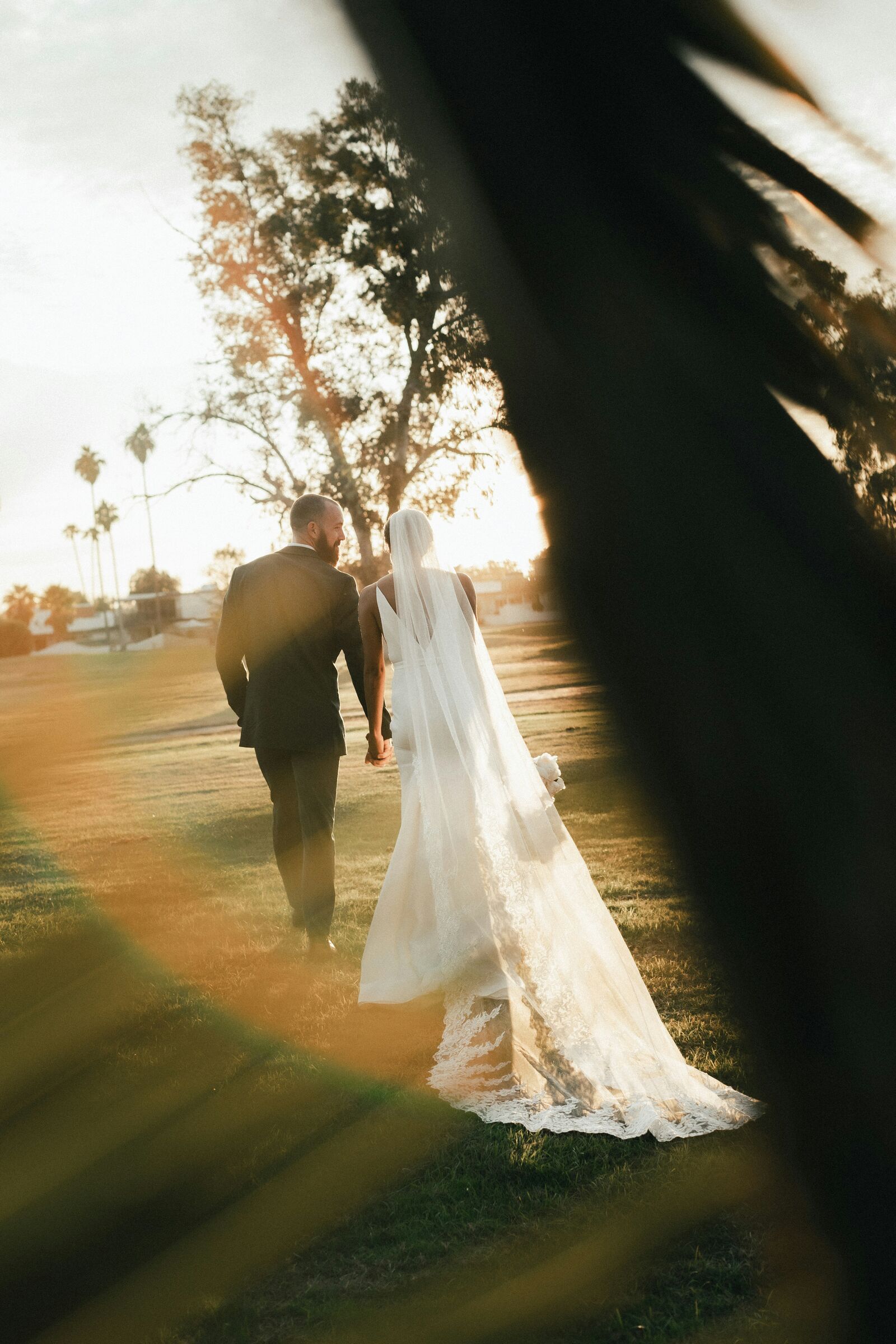
A hybrid wedding produces three kinds of chaos at once: stills counted in frames, video counted in clips, and audio counted in long files you cannot skim by eye. When each one lands on a different drive with a different clock, the edit starts as a forensic exercise. The fix is a shared system decided before the wedding, not a heroic Sunday. Here is the whole thing, from card to selects.
One project name, and the folders you do not already have
Create the project before you pack. A name like 2026-08-12_Smith-Jones sorts correctly, reads in a hurry, and cannot be confused with the other Smith wedding. Use that identical string everywhere: on both drives, in the cloud backup, on the invoice, and in the editing project. Small naming differences are harmless until three people are handing work to each other, and then they are not.
You almost certainly have a stills folder tree already, and if you do not, the structure worth stealing covers it. Hybrid work does not replace that tree. It adds four things to it, inside the same job folder.
- 02_Video_RAW, with a subfolder per camera and per card.
- 03_Audio, with a subfolder per recorder.
- 04_Proxies, which is disposable and should be obviously disposable.
- 05_Selects, which is where all three media types meet.
Keep card level folders until every file is verified: 02_Video_RAW/Lead_CamA/Card01 rather than one directory called wedding. It feels fussy at seven in the morning and it is what saves you when the editor asks for the groom's lavalier file at one in the morning. Card folders also preserve sequence and make a failed transfer obvious instead of invisible.
Verified copies before anybody sorts anything
Every card goes to two separate physical drives with checksum verification, and off site or to the cloud as soon as the connection allows. By the next morning a wedding should exist on a working drive, a backup drive kept somewhere else, and a third copy out of the building. The exact wording of the rule matters less than never letting a first dance live on one drive. The backup routine and the first hour after the shoot cover the stills side in detail, so this section is only the parts that are different when video and audio are in the bag.
Copy the whole card structure, not the clips you can see. Video cards carry folder structures that matter, and some cameras split a long recording into several files that only make sense together. Dragging the clips you recognize out of a card is how a ceremony ends up with a missing middle.
Paired audio channels travel together. Some recorders write each channel as its own file. Separate them and you will find out during the edit, when the person who knows which is which has gone to bed.
Verify by counting, then by opening. Confirm file counts, check the copy utility's verification result, then actually open two or three clips and audio files. A transfer window that says complete is a claim, not evidence. Never reformat a card on the strength of it.
Give the job to one person. Whoever pulls a card labels it, notes that it has been copied, and puts it in the full wallet. Cards that circulate loose between bags, laptops and pockets during a long day are the cheapest way to lose the most expensive files.
Set every clock before the first detail shot
Set every stills camera, video camera, audio recorder and phone to the same local time before coverage starts. Two minutes of drift turns ceremony sync into detective work, and it is the single most common hybrid failure. If your kit supports timecode, jam sync the compatible cameras and recorders. If it does not, a carefully synchronized clock plus a clap that is visible in frame and audible on every recorder gives an editor a dependable reference.
Repeat the sync point after long breaks and battery changes, because clocks drift and a swapped recorder can come back on a different time. It is not elegant to clap at a wedding. It is much less elegant to spend an evening lining up waveforms by eye.
Capture a minute of room tone with every recorder running, in the ceremony room and again at the reception. It hides edits, it covers gaps, and it is impossible to record later. Stills do not need timecode, but accurate capture time is what lets you find the photograph of the exact line in the toast that belongs beside a particular clip. Without synchronized clocks, hybrid storytelling is guesswork.
Chapter names that all three media understand
Use one set of chapter names across stills, video and audio: details, prep, first look, ceremony, portraits, cocktail hour, entrances, speeches, first dance, dance floor, exit. Make matching bins or collections in Lightroom Classic, Premiere Pro, DaVinci Resolve, Final Cut Pro, or whatever each part of the team uses. A shared chapter map beats a chronological pile, because it lets someone who was not in the room find the material for a moment they have only heard about.
At the planning meeting, name the moments where the media must not compete. At the first kiss the photographer needs a clean line and audio barely matters. During vows and speeches, audio is primary and video is locked off, so stills work quietly from a position agreed in advance rather than crossing the frame. Good hybrid coverage is choreography. Two teams improvising around each other is how you get a beautiful photograph of a videographer.
Solo hybrid shooters should simplify harder, not work faster. Locked off safety cameras, reliable audio, and a stills plan that never needs you in two places. Promise fewer angles. A clean ceremony film with good sound and strong stills beats an ambitious setup with a missing vow. The wider day plan is in the shoot to delivery workflow.
"Keep" means three different things
This is the part most hybrid shooters get wrong, because they apply a stills instinct to a video card. Selecting is not one job done three times. It is three jobs with different definitions of a keeper.
Stills: pick the one, discard the near copies. A wedding day is commonly 2,000 to 4,000 frames, and typically 400 to 800 of them get delivered. Most of that reduction is choosing the strongest single frame from a burst: the cleanest expression, the best hand position, the sharpest eye. Keep the establishing frame, the emotional close up and the storytelling detail. Five almost identical versions of one moment make a gallery harder to enjoy, not richer. Working through high frame rate bursts covers the mechanics.
Video: a flawed clip can be the most important file on the card. A slightly soft, badly framed shot that contains a complete vow is not a reject. Mark clips in four buckets instead: must use for irreplaceable content, clean B-roll for visual coverage, safety for the continuous angles, and reject for genuinely unusable material. Do not discard a static ceremony camera just because it is static. It is the thing that saves the edit when the other angle is blocked by a guest with a phone.
Audio: you have to listen. A waveform will show you clipping. It will not show you a lavalier rubbing on a jacket, a recorder that stopped, interference, or a father's pause that is the best three seconds of the speech. Put headphones on and run a short listening pass. Mark one master source for each major event, vows, speeches, first dance, and keep the alternates rather than tidying them away.
Where Kepla fits, honestly
Kepla works on the stills half of this. It checks a shoot against clear criteria, blur, closed eyes, expression, near identical frames, and hands you a shortlist to approve, which is the pass that eats the most hours on a hybrid job. It never deletes, moves or renames a file, so every frame it did not pick is still there when the film edit needs one. The picking app is still being built for iPhone, iPad and Mac. Our booking page is live and free today.
Build selects that talk to each other
Keep one selects area with medium specific folders inside it: Stills_Picks, Video_Favorites, Audio_Best_Sources, and a moment map. The moment map is the piece people skip and then wish they had. It is a plain document of times and events: 15:42 first look, 16:18 processional, 16:44 vows, 18:37 speeches. It gives an editor a way to find everything that belongs to one moment across three media in about a minute.
For a ninety second teaser, choose a small varied set rather than the best shots: a little prep, one first look reaction, ceremony texture, portraits in motion, cheering, dancing. Match stills to video moments by time where it helps, but do not force every photograph into literal coverage. A still can work as a pause, a transition or an emphasis inside a moving sequence, and that is a different job from documenting.
Use color labels consistently and write the key into the project folder. One workable legend is green for delivered stills, blue for video hero moments, yellow for audio problems, red for missing coverage. Labels are only useful when everyone reads them the same way, which is the whole argument in using color labels properly. The same discipline applies to the gallery itself: check the selects for range before you call them finished, because a set with no quiet frames reads flat next to the film.
Build proxies and previews before the system stalls
Wedding video now routinely means high resolution footage from several cameras, and editing that straight off a slow portable drive invites dropped frames and a bad mood. Make proxies before the serious edit begins, keep the original media linked and untouched, and store them in the proxies folder with a naming convention that relinks predictably.
Stills have the same question in a smaller form. Embedded previews make a first pass fast. Standard or smart previews make Lightroom Classic responsive later. If the next deadline is a morning after sneak peek, build only what that stage needs and let the rest generate in the background while you sleep.
Keep project files separate from media and from exports, and save versions. Premiere projects, Resolve databases, Final Cut libraries, Lightroom catalogs and audio sessions all deserve a duplicate before a major restructure or a handoff to another editor. Being able to rewind one afternoon of decisions is very cheap insurance.
Four failures, and the checklist that prevents them
Hybrid jobs fail in the same four ways. Clocks were never synchronized. Someone copied the clips they could see instead of the whole card structure. The photo gallery and the film selects competed for the same moments instead of sharing a shot map. And nobody told the editor which audio source was the good one, so they guessed.
None of those are skill problems. They are all decisions that were never made out loud. This is the end of day version, and it takes minutes.
- Every card verified to two physical locations before anyone leaves.
- Camera and recorder clocks confirmed, with any drift written down.
- Full video card folders preserved, paired audio channels kept together.
- Chapter bins created for all three media types.
- Master audio source identified for vows, speeches and first dance.
- Stills, video and audio marks made with a written legend.
- Editing project files backed up separately from the original media.
Hybrid work goes well when every medium has a clear role and one shared spine: verified copies, synchronized time, common chapters, and three honest definitions of a keeper. The edit gets calmer, the film and the gallery start to reference each other, and the day arrives at the couple as one story rather than three disconnected folders.
FAQ
Should photo and video share one drive?
They can share a project drive if the folder structure is disciplined and there is enough space, but keep separate verified backups. Separating by media type inside the job folder matters more than using different physical volumes. What you must avoid is one drive holding the only copy of anything, which is the situation a busy wedding day quietly creates.
How many clips should I keep from a wedding?
Keep complete coverage of the irreplaceable events, ceremony, speeches and first dances, then select B-roll for variety and technical quality. Video selection protects continuity, so it should not imitate the leaner arithmetic of a stills gallery. A static safety angle with no obvious value on the day is often the clip that rescues the edit later.
Do I need timecode for hybrid wedding work?
It helps but it is not mandatory. Accurate device clocks plus a clear clap sync at the start of the ceremony work well for a small team. Timecode becomes worth the money as the number of cameras and recorders grows, or when you hand material to an editor who was not present and cannot answer questions about it.
How do I match stills to video moments later?
Set every device to the same local time before coverage starts, then keep a moment map: a short list of times and events written during the day. Between accurate capture times and that map, an editor can pull every photograph, clip and audio file for the vows in about a minute, without scrubbing through hours of footage.
Can one person shoot a hybrid wedding alone?
Yes, if you promise less. Locked off safety cameras, reliable audio on the officiant and the groom, and a stills plan that never requires you to be in two places at once. A clean ceremony film with good sound plus strong stills beats an ambitious multi camera setup where a vow is missing because you were repositioning.
Never sort photos at 1 AM again.
Kepla for Mac clears the obvious misses from a card, names the reason on every frame it sets aside, and leaves the choosing to you. Nothing is ever deleted, moved or renamed. Free through the private preview · the first hundred photographers keep it at $99 a year.